Introduction
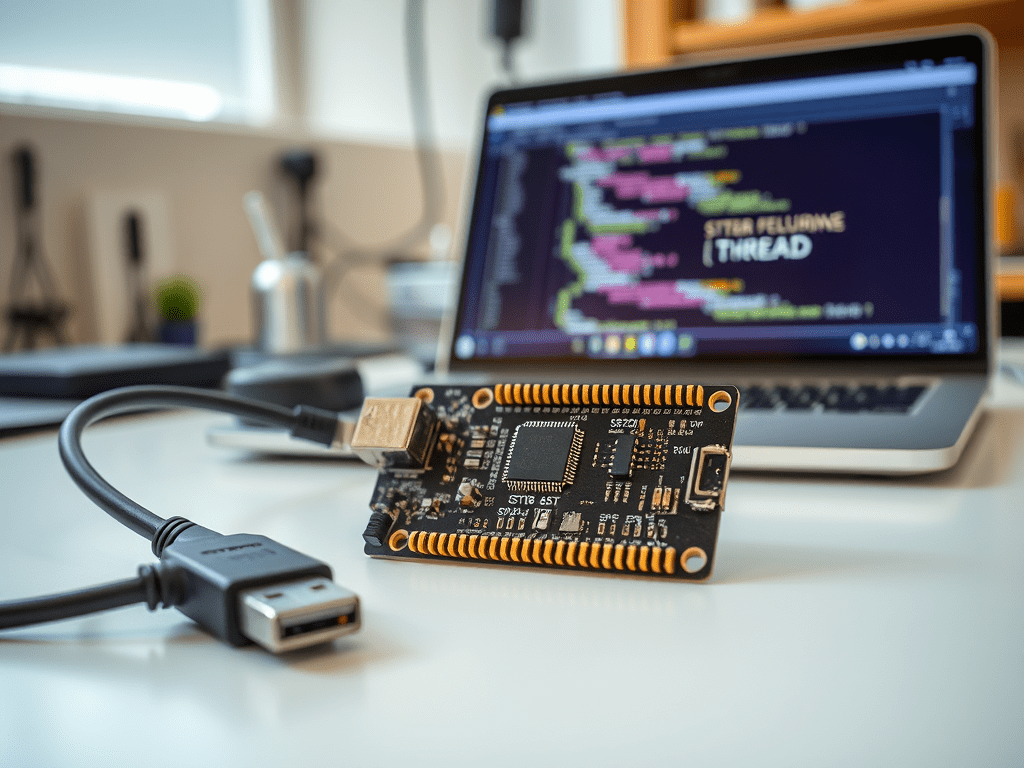
In this episode, we will explore the STM32WB series microcontrollers from STMicroelectronics. We will understand why they are ideal for developing wireless applications. Examples include Thread-based loT devices. You’ll also learn how to set up your development environment and prepare your board for programming.
Why Choose STM32WB for Thread?
The STM32WB is a dual-core wireless microcontroller. It features an Arm® Cortex®-M4 core for the main application. There is also a Cortex®-M0+ core dedicated to the wireless stack. This separation ensures real-time wireless protocol handling without impacting application performance.
Key Features of STM32WB:
- Dual-core architecture (Cortex-M4 and Cortex-M0+)
- Supports multiple wireless protocols including Thread, Bluetooth Low Energy (BLE), Zigbee, and IEEE 802.15.4
- Low-power operation with multiple power-saving modes
- Pre-certified protocol stacks provided by ST
- Integrated security features (AES-256, Public Key Encryption, Secure Boot)
Hardware You Need
To begin development, you’ll need the next:
- STM32WB development board (e.g., Nucleo-WB55RG or STM32WB5MM-DK)
- Micro USB cable
- Host PC with Windows, macOS, or Linux
Development Environment Setup
Step 1: Install STM32CubeIDE
STM32CubeIDE is an all-in-one development tool from STMicroelectronics that includes code editing, compiling, debugging, and device configuration.
Download STM32CubeIDE and install it based on your OS.
Step 2: Install STM32CubeProgrammer
This tool is used to flash firmware to your STM32 device. It supports both USB and UART programming.
Step 3: Get the STM32WB Thread Stack
The Thread protocol stack for STM32WB is included in the STM32CubeWB firmware package. You can download it from:
It includes example projects, libraries, and pre-compiled binaries for Thread.
Flashing Your First Thread Firmware
- Connect your STM32WB board to the PC using the USB cable.
- Open STM32CubeProgrammer and select the connected board.
- Navigate to the downloaded STM32CubeWB package and find a pre-compiled Thread example (e.g.,
coap_server). - Flash the firmware to your board using the Programmer tool.
- Monitor the serial output using a terminal like TeraTerm or PuTTY.
Conclusion
In this episode, we explored why the STM32WB is an excellent platform for Thread protocol development. We also discussed how to set up your development environment. With the tools installed and the board ready, you’re now prepared to dive into real Thread applications. In the next episode, we’ll start writing our first Thread application and see the protocol in action on actual hardware.
 HardFault
Leave a comment